

Here’s the short version of how to clean a TV screen: turn it off, wipe it with a clean, dry microfiber cloth, and only if a smudge won’t budge, use the same cloth with a tiny bit of distilled water. That’s it. No glass cleaner, no paper towels, no spraying anything at the screen.
It sounds almost too simple, but most of the damage people do to TVs comes from trying too hard. Modern screens have thin anti-glare and anti-reflection layers on top, and those layers don’t like ammonia, alcohol or rough paper. Wipe gently and you’ll keep the picture looking like the day you unboxed it.
Our verdict
Quick answer: power off, let the screen cool, wipe with a dry microfiber cloth using light pressure. For fingerprints, dampen one corner of the cloth with distilled water, wring it out, wipe, then dry right away with the dry side. Never spray liquid on the screen.
What you need
- Two clean microfiber cloths. The kind that comes with glasses or a new TV is fine. One for wiping, one for drying.
- Distilled water. Tap water leaves mineral spots that show up as streaks once the screen dries.
- A soft brush or a duster for the back, the vents and the stand.
That’s genuinely all you need. If you already own a screen cleaning spray that says it’s safe for TVs and anti-reflective coatings, you can use it, but spray it on the cloth, never on the screen.

How to clean a TV screen, step by step
1. Turn the TV off and let it cool
A dark screen shows every speck of dust, so you’ll actually see what you’re doing. It also gives the panel a few minutes to cool down. If you’re going to use any water at all, unplug it too.
2. Dry wipe first
Fold the microfiber cloth and wipe the screen gently, either side to side or in light circles. Let the cloth do the work. Pressing hard can damage the pixels on LCD and OLED panels, which are thinner and more flexible than they look. Most of the time, this step alone gets the screen clean.
3. Tackle smudges with a damp cloth
Fingerprints and kid handprints usually need a little moisture. Dampen one corner of the cloth with distilled water, wring it until it’s barely wet, and wipe just the smudge. Then go over the same spot with the dry part of the cloth so nothing dries on the screen.

4. Check from an angle
Turn on a dark scene or leave the screen off and look at it from the side with a lamp on. Streaks show up that way. If you see any, buff them out with a dry part of the cloth.
5. Clean the frame, stand and vents
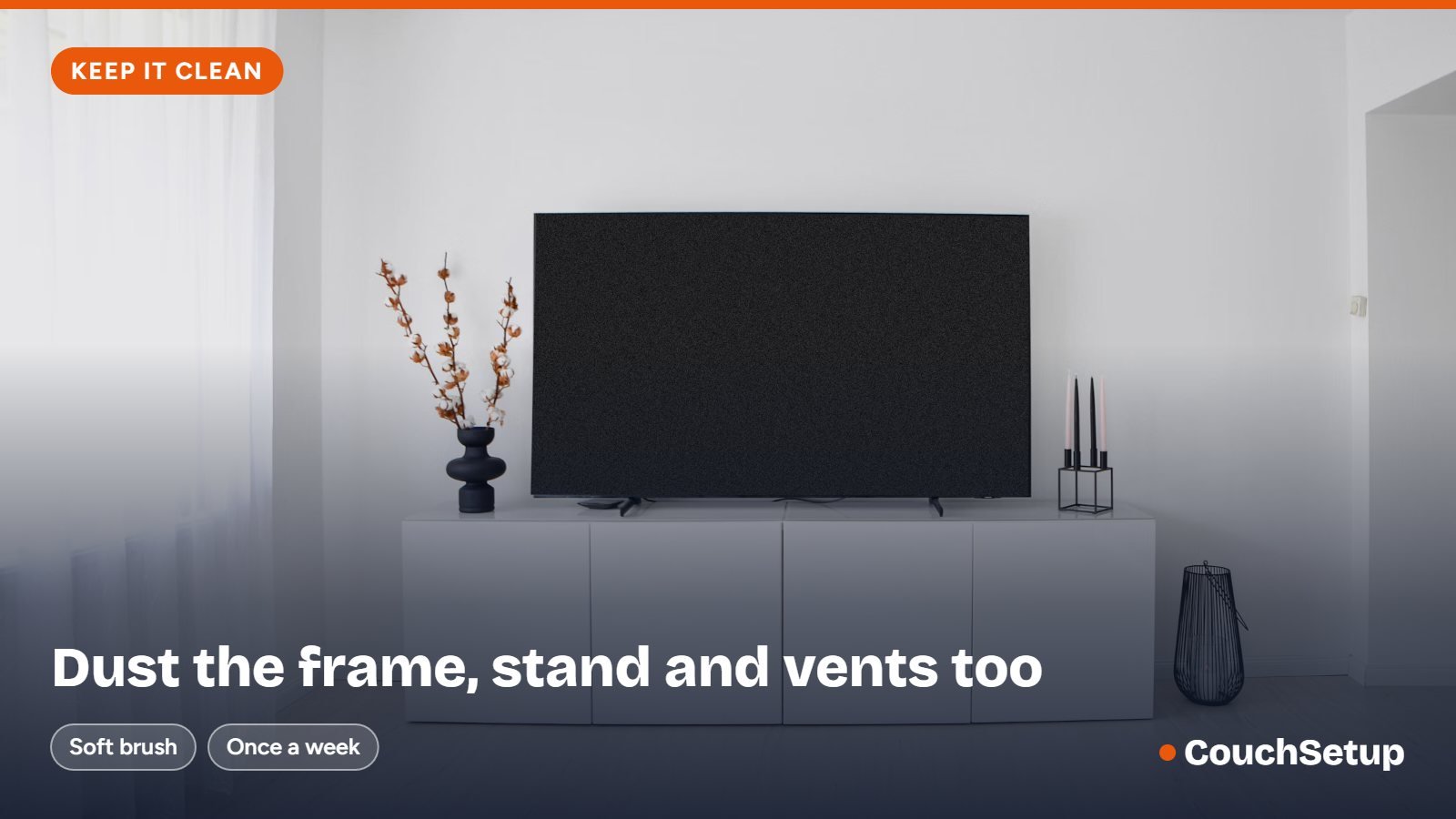
Dust builds up on the bezel, the stand and the vents on the back. A dry cloth or soft brush is enough. Keeping the vents clear helps the TV run a bit cooler, which is good for it over the long run.
What not to use on a TV screen
This is the part that matters most. These are the things that cause most of the cloudy patches, scratches and peeling coatings people end up asking about.
| Don’t use | Why |
|---|---|
| Window cleaner (like Windex) | Ammonia can damage the anti-glare coating and leave a hazy film. |
| Alcohol-heavy or disinfecting sprays | Strong solvents can strip coatings. Most TV makers say to avoid them. |
| Paper towels and tissues | They’re made of wood fibers and can leave fine scratches and lint. |
| Spraying anything directly on the screen | Liquid runs down and can seep behind the bezel into the electronics. |
| Magic erasers, scrubbing pads, dish soap | Too abrasive or leave residue that streaks. |
| Tap water | Minerals dry into spots and streaks. |
Samsung’s own guidance, for example, says to use a soft dry cloth first, distilled water for stubborn marks, and to never spray water directly onto the screen or use window cleaners or soap.
OLED, matte and anti-glare screens
OLED TVs and the newer matte or anti-glare screens deserve extra care. Their surface layers are what make them look so good in bright rooms, and scrubbing can leave shiny patches on a matte finish that you’ll notice forever after. Stick to the dry cloth and very light pressure, and only use the damp-cloth step on a mark that really won’t come off.
If glare is the reason you’re constantly wiping the screen, it might be the room more than the TV. Our guide to the best TVs for bright rooms explains which screens handle reflections best.
Don’t forget the remote
The remote is honestly the grimiest thing in most living rooms. Take the batteries out, wipe it down with a lightly damp cloth or a wrung-out disinfecting wipe, and use a cotton swab between the buttons. Unlike the screen, the remote’s plastic is fine with a little isopropyl alcohol. Let it dry fully before the batteries go back in.
How often should you clean a TV screen?
A quick dry wipe once a week, or whenever you notice dust, keeps things easy. The damp-cloth step is only for when there’s an actual smudge. If you have kids or pets, you’ll probably do that more often, and that’s fine as long as you stick to water and a soft cloth.
While you’re at it, it’s a good moment to tidy up the cables behind the TV. Our guide on how to hide TV wires has a few no-drill options that take ten minutes.
FAQ
Can I use Windex on my TV screen?
No. Window cleaners usually contain ammonia, which can damage the anti-glare coating and leave a cloudy film. Use a microfiber cloth and distilled water instead.
What is the best thing to clean a TV screen with?
A clean, dry microfiber cloth. For smudges, the same cloth lightly dampened with distilled water. That combination is what most TV makers recommend.
How do I clean a TV screen without streaks?
Use distilled water instead of tap water, wring the cloth almost dry, and buff the spot with a dry part of the cloth right after. Check the screen from an angle with a light on to catch any streaks you missed.
Can I use vinegar to clean a TV screen?
It’s better not to. Vinegar is acidic, and many manufacturers recommend water only. It isn’t worth risking the coating to save a few seconds.
Are eyeglass wipes safe for a TV?
Many lens wipes contain alcohol, so they aren’t a great idea for a TV screen, especially an OLED or matte one. A microfiber cloth is safer and reusable.
Should the TV be off when I clean it?
Yes. It’s safer, the screen is cooler, and a dark screen makes dust and smudges much easier to see.
How do I get dust out of the TV’s vents?
Use a soft brush or a vacuum with a brush attachment on low. Don’t poke anything into the vents, and never spray liquid near them.
Related guides
- Best TV picture settings
- How to hide TV wires
- Best TV for a bright room
- How far should your couch be from the TV?
Sources we checked: Samsung: How to clean my TV screen · RTINGS: How to clean your TV