CouchSetup is reader-supported. When you buy through links on our site, we may earn an affiliate commission at no extra cost to you. As an Amazon Associate, we earn from qualifying purchases. Read our affiliate disclosure
This projector buying guide starts with your room, not the spec sheet. Most people shop by the biggest lumens number or the lowest price, then find the projector needs to sit where the sofa is, looks washed out with the lights on or runs Android apps without Netflix. Check a few things in the right order and choosing a projector gets easy.
If you’ve wondered how to choose a projector or what to look for in a projector, it comes down to the eight things below, from throw distance to fan noise, plus a quick table for common rooms, 10 picks at every budget and a checklist you can take shopping. Each step links to our deeper projector guides if you want the full detail.
Our verdict
Quick answer: first measure how far the projector can sit from the wall, then pick the throw type that fits: short throw for small rooms, standard throw if it can go behind the sofa or on the ceiling. For a dark room, about 1,500 to 2,000 ANSI lumens is enough; with some room light, aim for 3,000 or more. Choose 4K for screens of 100 inches and up, a laser or LED light source if you watch most nights, and budget for a screen and a soundbar.
What’s in this projector buying guide
- What projector should I buy? The quick table
- Step 1: Will it fit? Throw distance and room size
- Step 2: How many lumens do you need?
- Step 3: 1080p or 4K?
- Step 4: Lamp, LED or laser?
- Step 5: Contrast, HDR and display type
- Step 6: Screen or wall?
- Step 7: Sound, apps, gaming and inputs
- Step 8: Placement, mounting, power and noise
- Projector for your room and use
- Projector price ranges
- Our top projector picks
- Projector buying checklist
- FAQ
What projector should I buy? The quick table
Find the line that sounds most like you. It gets you to the right type of projector fast, and the steps below explain why.
| Your situation | What to look for | Read next |
|---|---|---|
| Small living room or bedroom, sofa close to the wall | Short throw: 100 inches from about 3 to 7 ft | Best short-throw projectors |
| Room you can’t make dark, lots of windows | 3,000+ ANSI lumens and an ALR screen, or a TV | Projector vs TV |
| Dedicated dark theater or basement | Standard throw, 4K, high contrast, ceiling mount | Best projector screens |
| Backyard movie nights | Bright plug-in model or a battery portable, plus an outdoor screen | Best outdoor projectors |
| Console gaming on a big screen | Low input lag game mode, short throw, 1080p at high refresh or 4K 60Hz | Couch gaming setup |
| First projector on a tight budget | 1080p lamp model with real ANSI lumens, not “LED lumens” | Budget picks below |
Step 1: Will it fit? Throw distance and room size
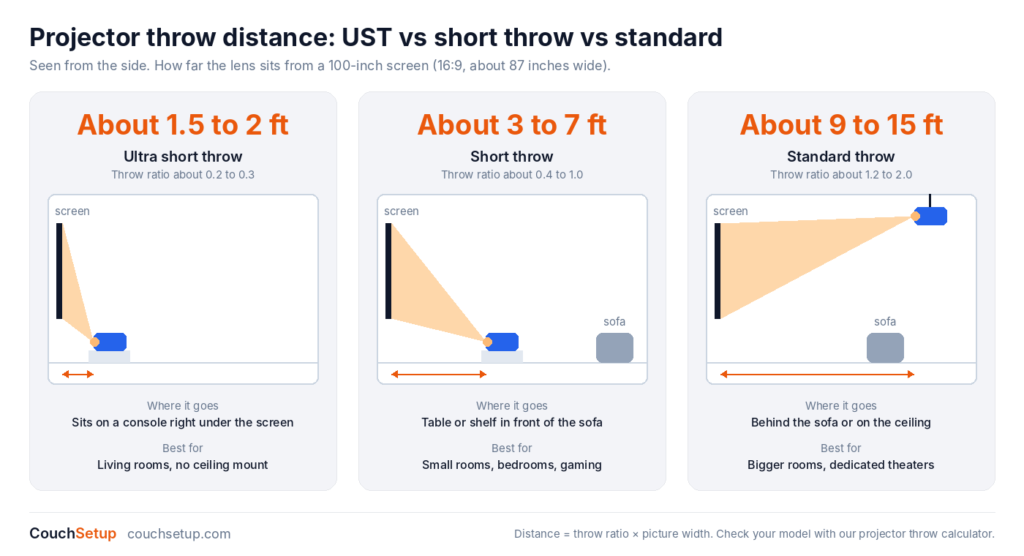
Throw distance is how far the lens sits from the screen. It decides where the projector goes, so check it before anything else. Every projector lists a throw ratio: distance divided by picture width. A 100-inch 16:9 picture is about 87 inches wide, so a 1.2 throw ratio needs about 8.7 feet, and a 0.5 ratio needs about 3.6 feet.
| Type | Throw ratio | Distance for 100 in | Where it goes | Good for |
|---|---|---|---|---|
| Ultra short throw (UST) | About 0.2 to 0.3 | About 1.5 to 2 ft | On a console under the screen | Living rooms with no ceiling mount |
| Short throw | About 0.4 to 1.0 | About 3 to 7 ft | Table or shelf in front of the sofa | Small rooms, bedrooms, gaming |
| Standard throw | About 1.2 to 2.0 | About 9 to 15 ft | Behind the sofa or on the ceiling | Bigger rooms and dedicated theaters |
Our sums from throw ratio × picture width. Many standard-throw models have a zoom lens, which gives you a range instead of one exact spot. Put your own numbers into our projector throw calculator, and for the screen size itself, the same seating-distance rule as a TV applies: see how far your couch should be from the screen.
Also check the offset. Most projectors throw the picture upward from the lens, so a table-top model sits below the screen and a ceiling mount sits above it. Lens shift, found on pricier models, lets you move the picture without tilting the projector.
Step 2: How many lumens do you need?
This is the main question in any projector buying guide. Lumens measure brightness, and room light is the projector’s biggest enemy: light from windows and lamps washes out black and turns a dark scene grey. The darker you can make the room, the fewer lumens you need.
| Room | Recommended brightness | What to expect |
|---|---|---|
| Dark room or dedicated theater | About 1,500 to 2,000 ANSI lumens | Rich contrast, best picture at night |
| Living room with some light | About 2,000 to 3,000 ANSI lumens | Watchable with a lamp on; best after sunset |
| Bright room or outdoors before dark | 3,500 ANSI lumens or more | Still loses contrast; an ALR screen helps a lot |
Guide figures from Tom’s Guide. Two warnings when you compare boxes:
- Only compare ANSI or ISO lumens. Cheap projectors often quote “LED lumens” or “light source lumens”, which are much higher numbers for the same brightness. Tom’s Guide suggests dividing LED lumens by about 2.4 to get a rough ANSI figure.
- Bigger screens need more light. Going from 100 to 120 inches spreads the same light over about 44% more area, so the picture looks dimmer. Our projector vs TV guide shows the numbers.
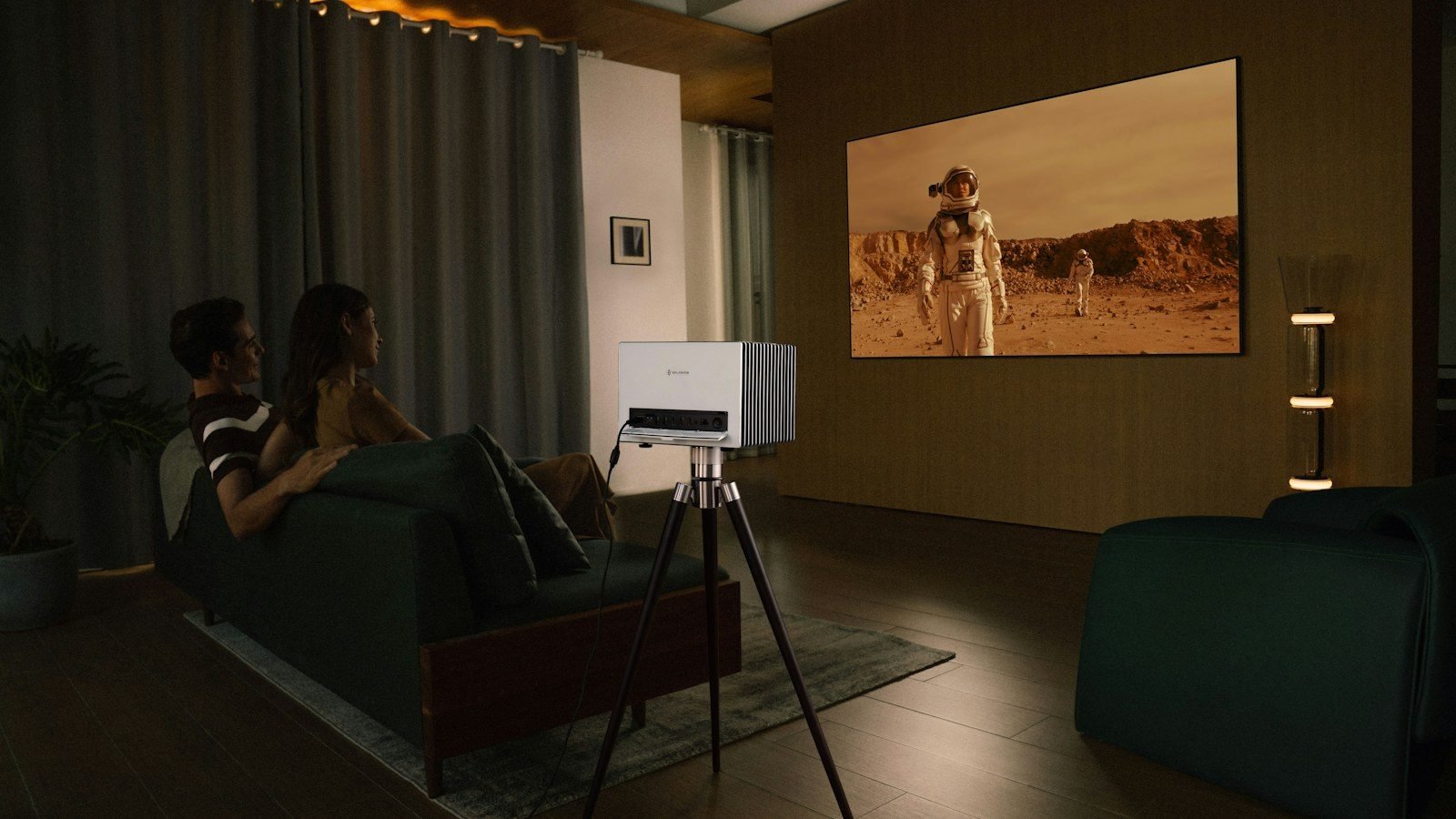
If your living room is bright all day and you can’t add curtains, a big TV may be the better buy. Our best TVs for bright rooms are built for exactly that.
Step 3: 1080p or 4K?
Resolution matters more on a projector than on a TV, because the picture is so big. As a rule, choose 4K for screens of about 100 inches and up, and 1080p for smaller pictures, tight budgets, presentations or fast gaming at high refresh rates.
- 4K pixel-shift: most home “4K” projectors use a 1080p or 1440p chip that shifts the image very fast to put 4K detail on screen. It looks sharp from the sofa and costs far less than native 4K.
- Native 4K: a true 4K chip. Sharper up close, but usually much more expensive.
- HDR: nice to have, but a projector can’t get as bright as a TV, so HDR looks more modest. Brightness and contrast matter more.
Step 4: Lamp, LED or laser?
The light source decides how long the projector lasts, how fast it turns on and what it costs to run.
| Light source | Life | Good | Not so good |
|---|---|---|---|
| Lamp | A few thousand hours, longer in eco mode | Cheapest to buy, bright for the money | Dims over time, replacement lamps, warm-up time |
| LED | Often rated around 20,000 hours | Instant on, compact, little upkeep | Less bright at the same price |
| Laser | Often rated around 20,000 hours | Bright, instant on, no lamps, steady color | Costs more up front |
Life ratings are each maker’s own; BenQ, for example, rates the TK710STi’s laser and the X300G’s LED at 20,000 hours. If you’ll watch most nights, a laser or LED projector usually saves money and hassle over the years.
Step 5: Contrast, HDR and display type
Contrast is the difference between the brightest white and the darkest black. In a dark room it matters more than any other spec, but published contrast ratios aren’t measured the same way by every brand, so trust independent reviews over the box.
- DLP projectors are sharp, compact and common in gaming models. A few viewers see brief “rainbow” flashes on bright moving objects; many never notice.
- 3LCD projectors (Epson) have no rainbow effect and usually match their color brightness to their white brightness.
- LCoS (Sony, JVC) gives the deepest blacks, at higher prices.
Step 6: Screen or wall?
A smooth, plain white wall works for a first movie night. A proper screen looks sharper and brighter, with clean black borders that make the picture pop.
- Matte white (gain about 1.0 to 1.1): best for dark rooms and wide seating.
- Grey ALR (ambient light rejecting): keeps blacks deeper with the lights on. Match it to your projector: UST screens only work with UST projectors, and ceiling-light-rejecting screens don’t suit a ceiling mount.
- Pull-down or motorized: hides away in a living room. Fixed frames stay flatter.
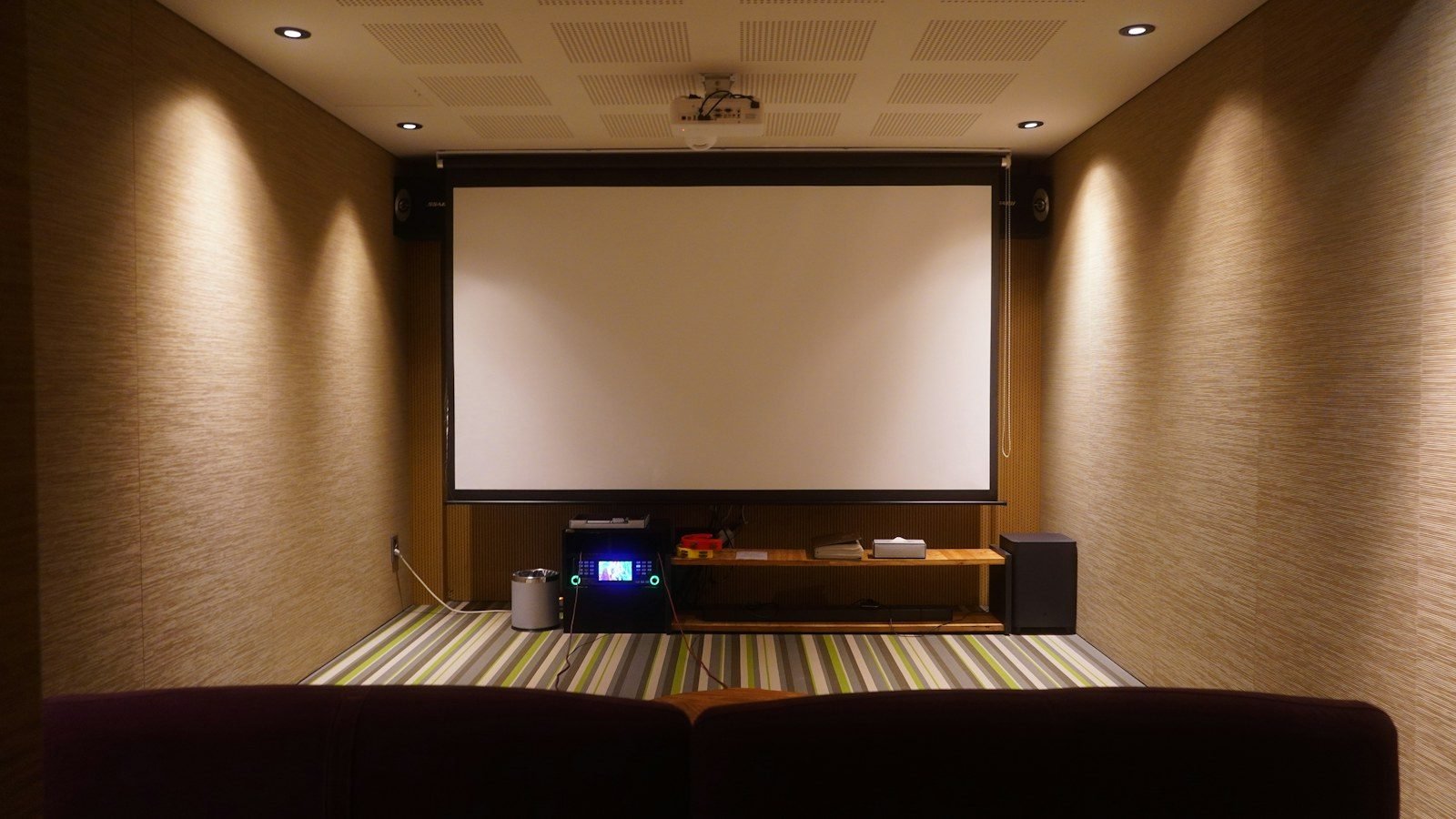
Compare eight screens, from budget pull-downs to ALR, in our best projector screens guide.
Step 7: Sound, apps, gaming and inputs
- Sound: built-in speakers sit next to you, not by the picture, and most are small. Plan for a soundbar or speakers by the screen. Our soundbar buying guide helps you pick one.
- Smart apps: check that the built-in system has licensed Netflix. Some Android-based projectors don’t, while Google TV models like the XGIMI MoGo 4 and Nebula Mars 3 Air do. A cheap streaming stick fixes any gaps: see best streaming devices.
- Gaming: look for a game mode with low input lag. BenQ lists the TK700STi at 4.2 ms at 1080p 240Hz, while many home projectors are much slower with game mode off.
- Inputs: count your HDMI devices. eARC on the projector can send Dolby Atmos to a soundbar.
- Keystone vs lens shift: digital keystone squares a tilted picture but softens it. Placing the projector straight on, or using lens shift, keeps it sharp.
Step 8: Placement, mounting, power and noise
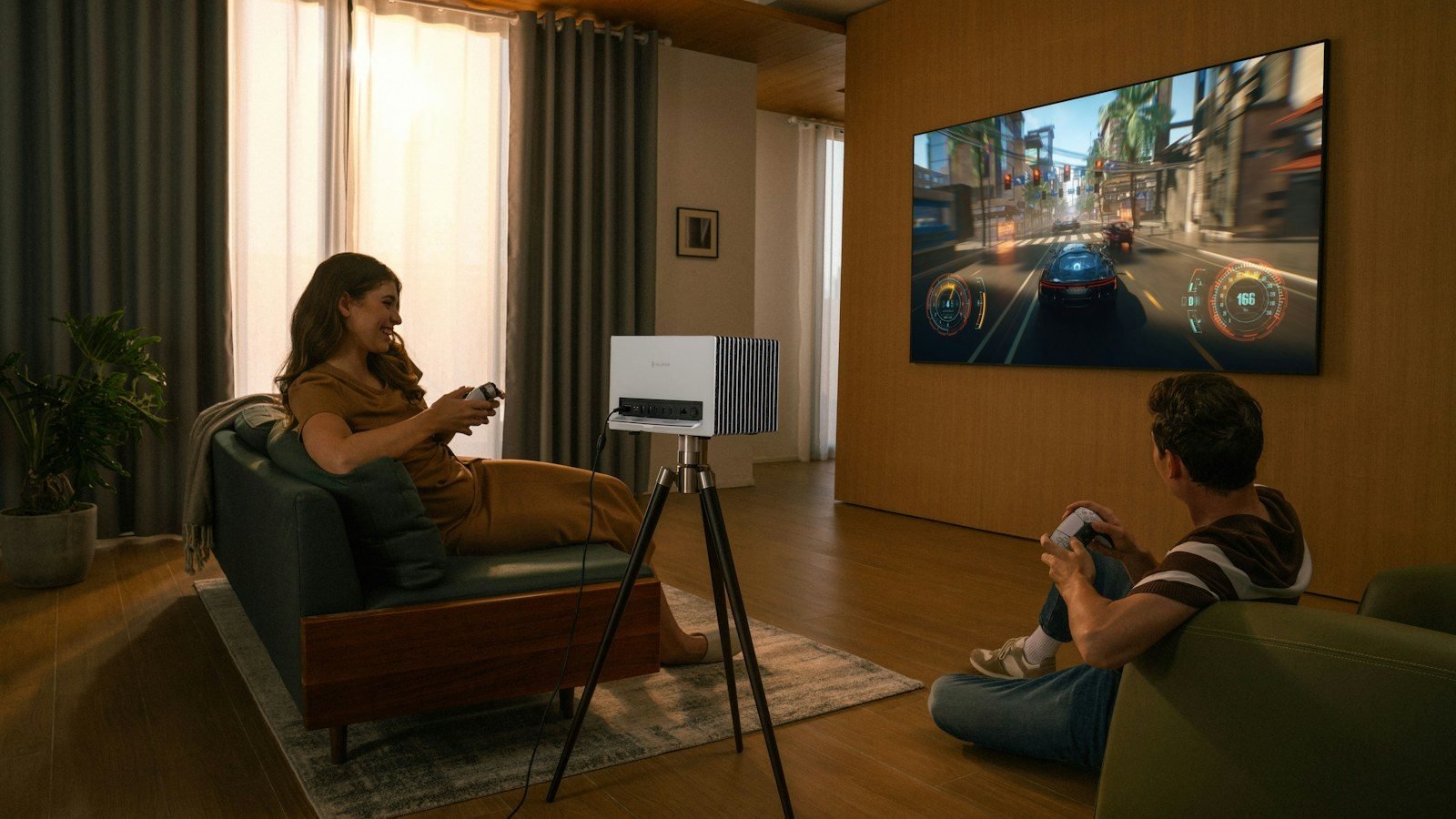
- Table or shelf: easiest, but someone will walk through the beam. Short-throw models avoid that.
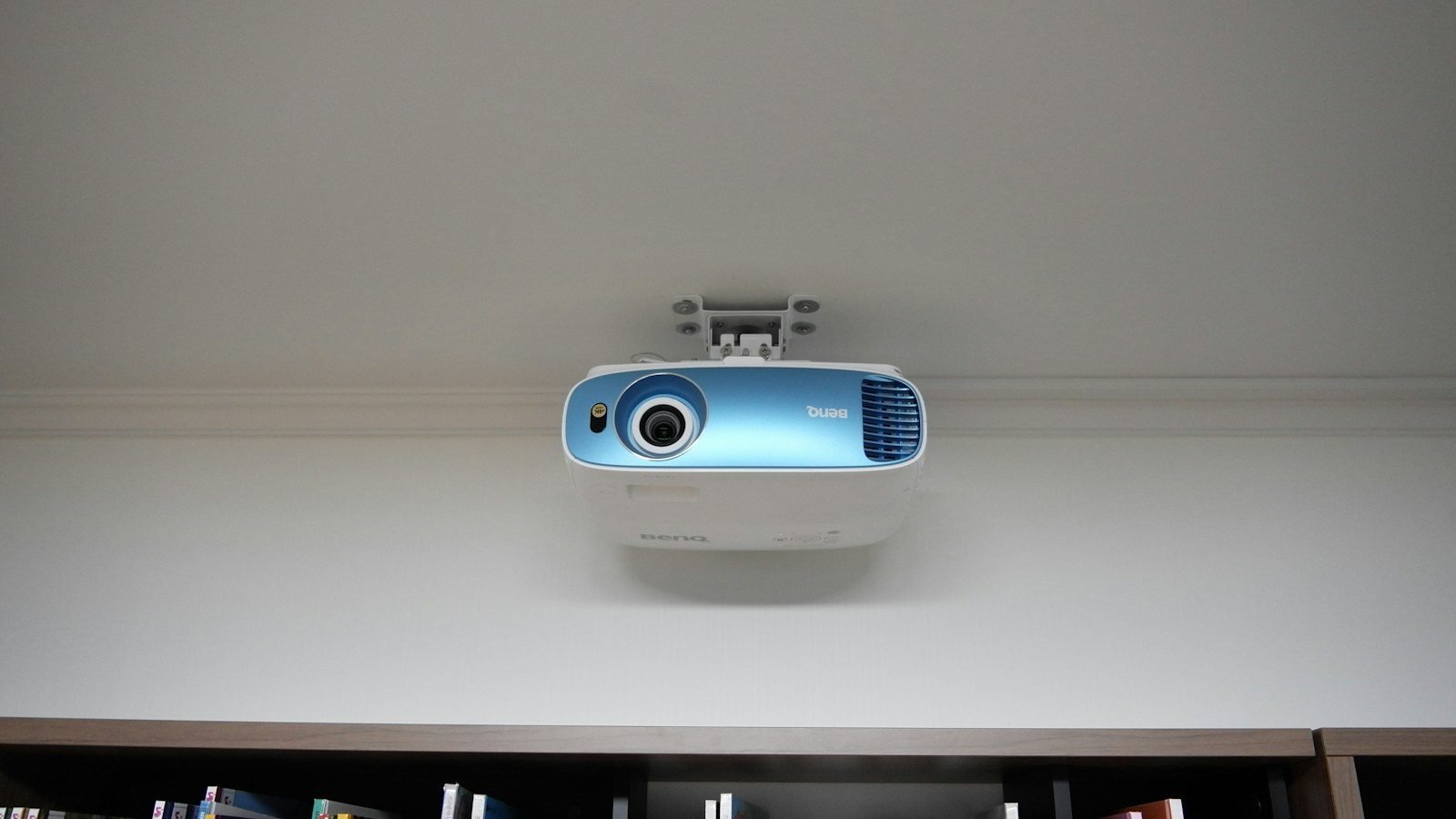
- Ceiling mount: keeps the beam above heads. Check the mount fits the projector’s holes and weight, and plan a power outlet and HDMI cable up there.
- Power: most bright projectors need a wall outlet. Battery portables run for a movie or two, so check the hours before an outdoor night.
- Fan noise: projectors have fans, and a quiet scene can expose them. Don’t put the projector right next to someone’s ear, and use eco mode in small rooms.
- Heat and air: leave space around the vents and never close a projector inside a cabinet.
- Outdoors: bring it in after the movie; projectors aren’t weatherproof and dew is a real risk.
Projector for your room and use
Small living room
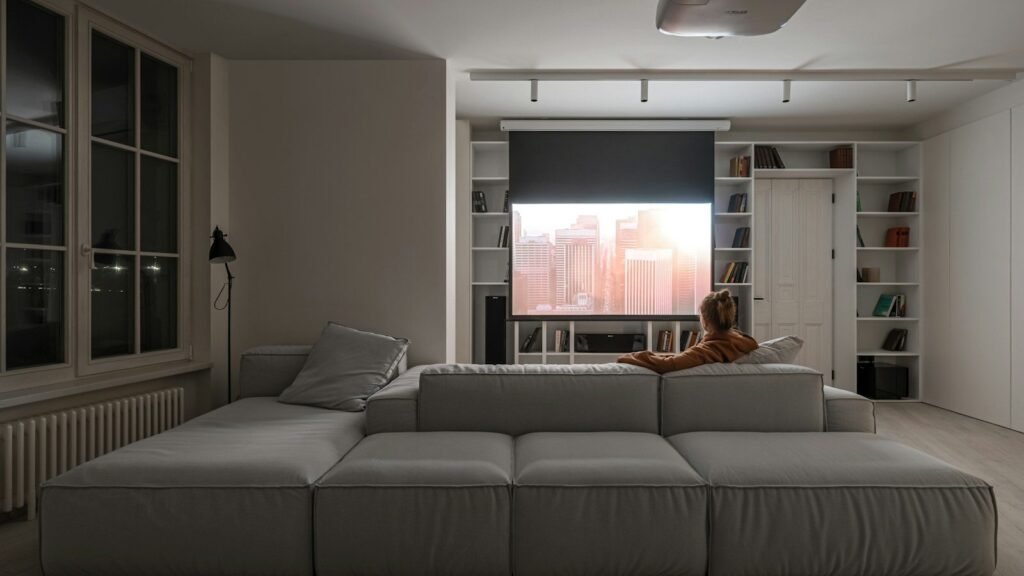
A short-throw projector on a low table gives you 100 inches without a ceiling mount. See our best short-throw projectors and small living room home theater layouts.
Bedroom
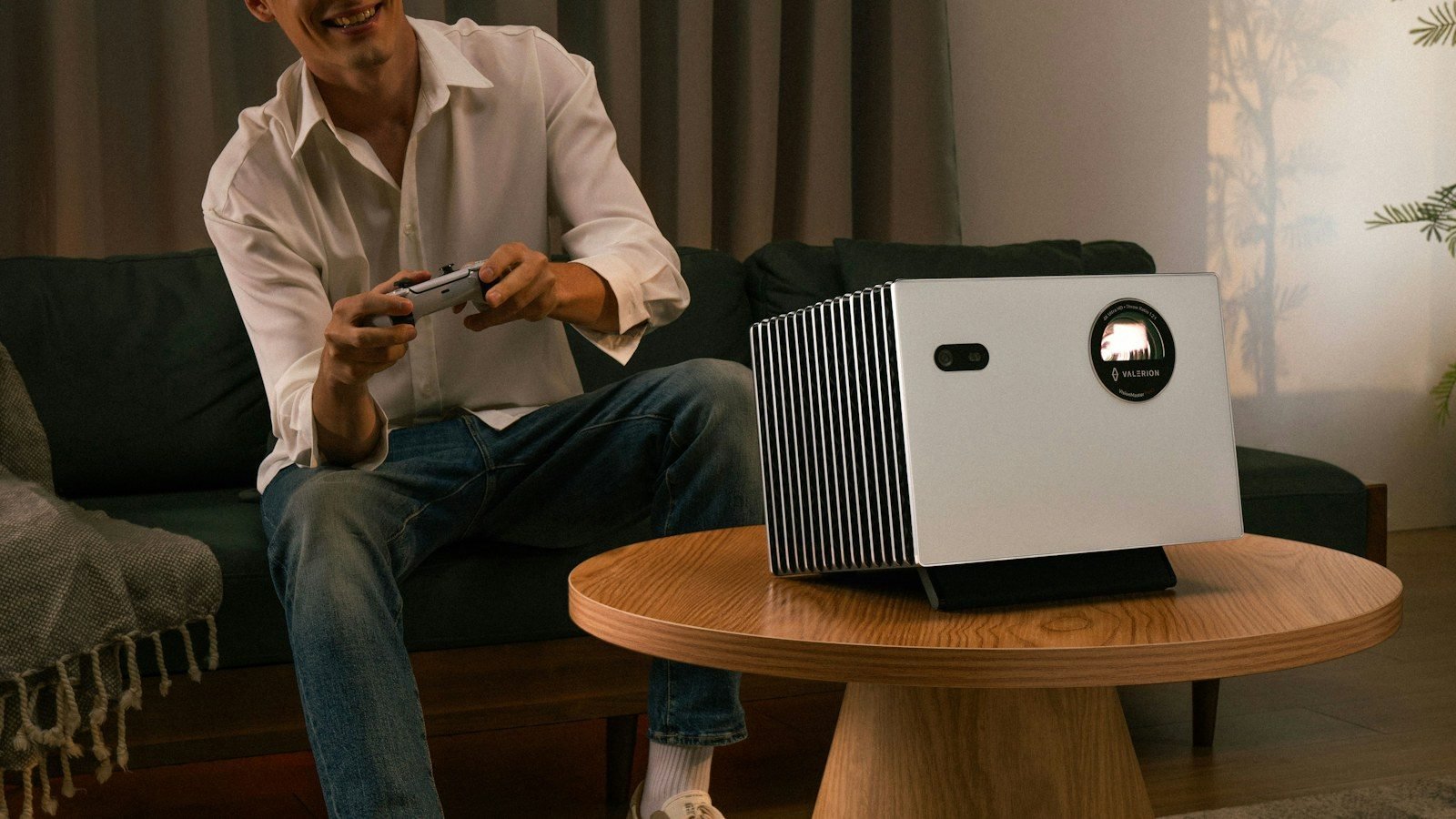
A compact short-throw or portable projector on a dresser or shelf works well, since bedrooms are easy to darken. Pick a quiet model, add a sleep timer, and use headphones or a small speaker so the sound isn’t coming from beside the bed. Our bedroom TV setup guide covers screen height for watching in bed.
Big living room
A brighter 4K projector and a screen of 120 inches or more. Use a ceiling mount or a shelf behind the sofa, and an ALR screen if the room has windows.
Gaming
Low input lag first, then brightness. Short-throw gaming models keep the projector in front of you, so you don’t block the picture when you get up. See our couch gaming setup.
Outdoor movie nights
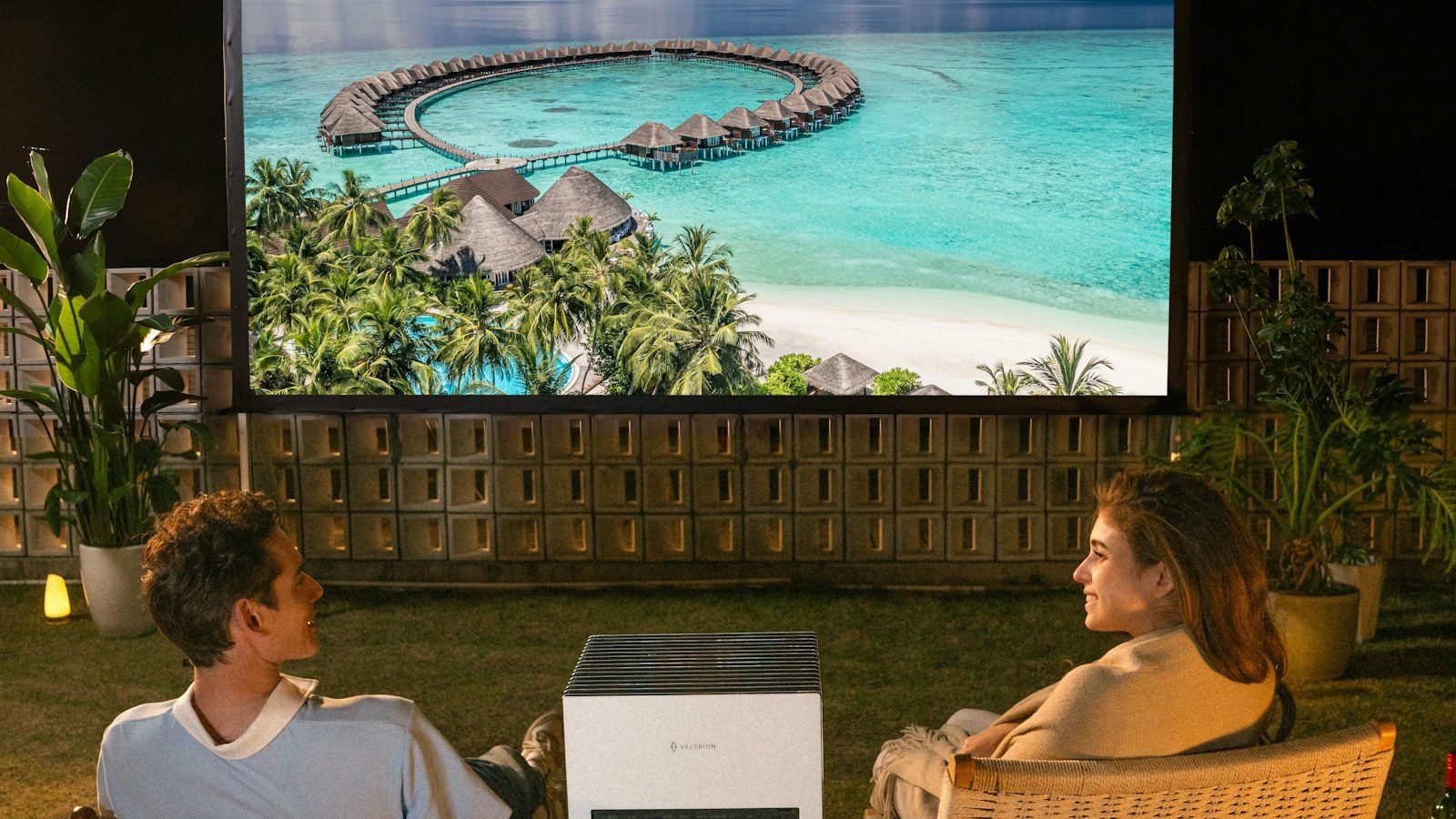
Wait for darkness, use a real outdoor screen and bring sound. Plug-in models are much brighter than battery ones. Our best outdoor projectors guide has the full setup.
Dedicated home theater
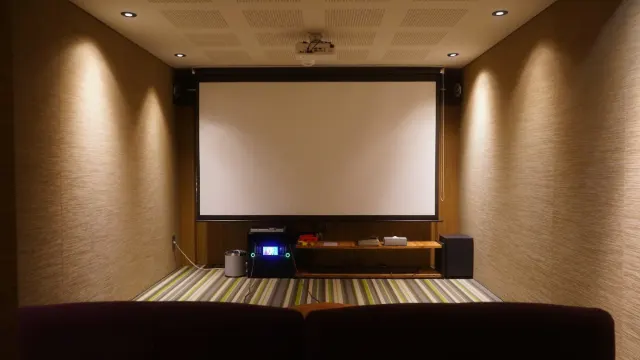
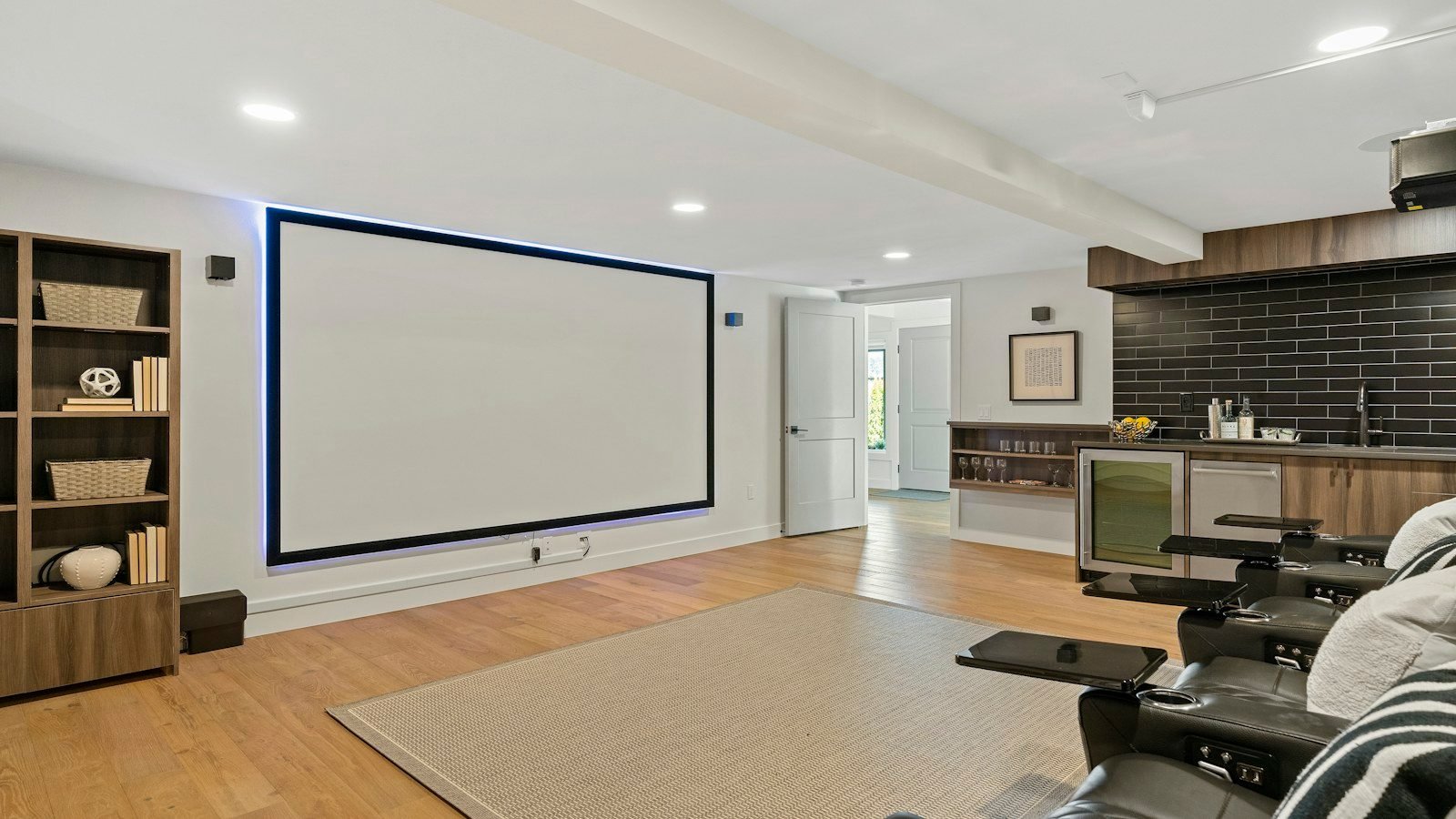
Here contrast and a dark room win. A standard-throw 4K projector on the ceiling, a matte white screen and real surround sound. Start with our home theater setup guide.
Projector price ranges: what you get
We show price tiers instead of exact prices because projector prices change all the time. As a rough guide:
| Tier | What you usually get | Examples |
|---|---|---|
| $ (budget) | 1080p, lamp or LED, basic smart apps, portable battery models | BenQ TH671ST, Epson EpiqVision Flex CO-FH02, Nebula Mars 3 Air |
| $$ (mid-range) | 4K pixel-shift, short throw, gaming modes, Google TV portables | BenQ TK700STi, Optoma GT2160HDR, BenQ X300G, XGIMI MoGo 4 |
| $$$ (premium) | Laser light, brighter 4K, Dolby Vision, gimbal stands, big built-in sound | BenQ TK710STi, Hisense C2 Ultra, Nebula X1 |
Leave room in the budget for a screen, a mount and sound. Black Friday and Prime Day usually bring the biggest projector discounts.
Our top projector picks for 2026
These 10 picks come from our projector guides, built from manufacturer specs and independent expert reviews. They’re grouped by budget, and each one says which room it suits.
Budget picks
BenQ TH671ST
Best for First projector on a budget, 1080p sources, golf sims
- 1080p, 3,000 ANSI lumens
- 100 inches from about 5 to 6 feet
- 16.7 ms input lag
- 1.2x zoom lens
Prices change often, so check today’s price on Amazon.
Epson EpiqVision Flex CO-FH02
Best for Big backyard screens on a budget, with an outlet nearby
- 3,000 lumens color and white brightness
- 1080p 3LCD, images up to 300 inches
- Android TV with Chromecast built-in
- Bluetooth audio out to a speaker
- 5.7 lb, 1.19:1 throw ratio
Prices change often, so check today’s price on Amazon.
Nebula Mars 3 Air
Best for First-time buyers and small yards
- 400 ANSI lumens, 1080p
- Up to 2.5 hours video, 8 hours music
- Google TV with native Netflix
- Two 8 W speakers
- 3.7 lb, 1.2:1 throw ratio
Prices change often, so check today’s price on Amazon.
Mid-range picks
BenQ TK700STi
Best for Living rooms, movie nights and console gaming
- 4K UHD with HDR10 and HLG
- 3,000 ANSI lumens
- 100-inch picture from about 6.5 feet
- 4.2 ms input lag at 1080p 240Hz
Prices change often, so check today’s price on Amazon.
Our favorite all-rounder for living rooms and gaming. Read why in our best short-throw projectors.
Optoma GT2160HDR
Best for Very tight rooms and rooms you can’t fully darken
- 0.49 throw ratio: 100 inches from about 3.5 feet
- 4,000 lumens
- 4K UHD with HDR10 and HLG
- Low-lag gaming mode
Prices change often, so check today’s price on Amazon.
BenQ X300G
Best for Bedrooms, gaming rooms and moving between rooms
- Cube design, about 6.6 lb
- 4K UHD with LED light rated 20,000 hours
- 2,000 ANSI lumens
- Android TV built in and dual 8W speakers
Prices change often, so check today’s price on Amazon.
XGIMI MoGo 4
Best for Small patios, balconies and quick weeknight movies
- 450 ISO lumens, 1080p
- Up to 2.5 hours video in Eco mode
- Dual 6 W Harman Kardon speakers
- Google TV with licensed Netflix
- 2.9 lb, 1.2:1 throw ratio, 360-degree stand
Prices change often, so check today’s price on Amazon.
Premium picks
BenQ TK710STi
Best for Small rooms and anyone who never wants to replace a lamp
- Laser light rated for 20,000 hours
- 3,200 ANSI lumens, 4K UHD
- 100-inch picture from about 5 to 6 feet
- eARC with Dolby Atmos pass-through
Prices change often, so check today’s price on Amazon.
No lamps to replace and a 100-inch picture from about 5 to 6 feet. Read our full BenQ TK710STi review.
Hisense C2 Ultra
Best for Yards where the projector cannot sit at one exact distance, and big-screen gaming
- 3,000 ANSI lumens, laser light source
- Native 4K with Dolby Vision
- JBL 2.1 sound: 2 x 10 W plus 20 W subwoofer
- 0.9 to 1.5:1 throw range, 65 to 300 inch images
- Gimbal stand; 13.9 lb, AC power only
Prices change often, so check today’s price on Amazon.
Nebula X1
Best for Big backyard screens and buyers who want one projector for indoors and out
- 3,500 ANSI lumens, triple-laser light source
- 4K UHD with Dolby Vision and HDR10 support
- 40 W built-in speakers, optional wireless satellites
- Motorized gimbal, Google TV, two HDMI inputs
- 13.7 lb with built-in handle; AC power only
Prices change often, so check today’s price on Amazon.



Common projector buying mistakes
- Trusting “LED lumens”. Compare ANSI or ISO lumens only.
- Skipping the throw distance. A projector that needs 12 feet won’t work in a 10-foot room.
- Buying for a bright room. Without curtains or an ALR screen, daytime pictures look washed out.
- Forgetting sound. Built-in speakers are small and sit in the wrong place.
- Assuming Netflix works. Check the app list, or add a streaming stick.
- The wrong ALR screen. UST screens only suit UST projectors.
Projector buying checklist
- I’ve measured the distance from the wall to where the projector can sit, and the throw ratio fits.
- Brightness is listed in ANSI or ISO lumens and suits my room’s light.
- 4K if my screen is about 100 inches or bigger; 1080p is fine for smaller.
- Laser or LED if I’ll watch most nights.
- I have a plan for the screen (or a smooth white wall to start).
- It has the apps I use, or I’ll add a streaming stick.
- Low input lag if I game.
- There’s a power outlet, a mount or shelf, and space for air around the vents.
- I’ve budgeted for sound: a soundbar or speakers by the screen.
How we picked
We built this guide from our own projector buying guides and reviews, which combine manufacturer specs with independent expert reviews from sites such as ProjectorCentral, Tom’s Guide and Sound & Vision. Throw distances are our own sums from each maker’s published throw ratio. We only list projectors sold in the US, and every source is listed at the end.
FAQ
How do I choose a projector?
Measure where it can sit and pick a throw type that fits, then choose brightness for your room’s light, 4K for screens of 100 inches or more, a laser or LED light source if you watch often, and plan for a screen and sound.
How many lumens do I need for a projector?
About 1,500 to 2,000 ANSI lumens for a dark room, 2,000 to 3,000 for a living room with some light, and 3,500 or more for bright rooms or outdoors before dark.
What should I look for when buying a projector?
Throw ratio, ANSI lumens, resolution, light source, contrast, input lag for gaming, built-in apps and inputs. Throw distance and brightness matter most.
Is a short throw projector better?
It is better for small rooms, because it makes a 100-inch picture from about 3 to 7 feet and you don’t block the beam. Standard throw suits larger rooms and ceiling mounts.
Is a 4K projector worth it?
Yes for screens of about 100 inches and up, where 1080p pixels become easier to see. For smaller pictures, a good 1080p projector is fine.
Laser or lamp projector: which is better?
Laser lasts much longer, turns on instantly and stays bright, but costs more. A lamp projector is cheaper to buy but needs replacement lamps.
Can I use a projector instead of a TV?
Yes, in a room you can darken. In a bright living room a TV usually looks better. Our projector vs TV guide compares both.
Do I need a screen for a projector?
Not at first. A smooth white wall works, but a screen gives a sharper, brighter picture, and an ALR screen helps a lot with the lights on.
Related guides
- Best home theater seating
- Best short-throw projectors
- Best outdoor projectors
- Best projector screens
- Projector vs TV
- Projector throw calculator
- TV buying guide
- Soundbar buying guide
- Projector lumens calculator
Sources: Tom’s Guide: 9 things to consider before buying a projector · TheaterCalc: projector buying guide · Pure Theatre: projector buying guide · BenQ, Optoma, Epson, XGIMI, Anker Nebula and Hisense product spec pages