CouchSetup is reader-supported. When you buy through links on our site, we may earn an affiliate commission at no extra cost to you. As an Amazon Associate, we earn from qualifying purchases. Read our affiliate disclosure
This TV buying guide starts with your room, not a spec sheet. Most people shop the other way round: they compare nits, hertz and panel names in a store, then get home and find the TV is too small, reflects every window or makes dialogue hard to hear. Pick for the room first and most of the hard choices make themselves.
If you’ve been wondering what to look for when buying a TV, the eight steps below run in the order that matters most. You’ll also find a one-glance table for common rooms, our top picks for 2026 at every budget, and the best time to buy. Each step ends with our deeper guides if you want the full detail.
Our verdict
Quick answer: for most living rooms, a 65-inch 4K TV is the right size. In a dim or mixed-light room, get an OLED. In a bright, sunny room, get a Mini LED with an anti-glare screen. If you game on a PS5 or Xbox, make sure it has 120Hz and HDMI 2.1. Plan to add a soundbar, because thin TVs have weak speakers.
Choose by room


What’s in this TV buying guide
- What TV should I buy? The quick table
- Step 1: Size for your room
- Step 2: How bright is your room?
- Step 3: OLED, Mini LED, QLED or LED
- Step 4: Resolution and HDR
- Step 5: Gaming and sports features
- Step 6: The smart TV system
- Step 7: Plan the sound
- Step 8: Wall mount or stand
- Our top TV picks for 2026
- Best time to buy a TV
What TV should I buy? The quick table
Find the line that sounds most like your room. It won’t replace the steps below, but it gets you to the right shortlist in about 30 seconds.
| Your room | What to look for | Read next |
|---|---|---|
| Small room or bedroom, 6 to 9 ft away | 43 to 65 in, wide viewing angle | Best TVs for small rooms |
| Average living room, 9 to 11 ft away | 65 to 75 in, 4K, 120Hz | 65 vs 75-inch TV |
| Sunny room with big windows | Bright Mini LED, anti-glare screen | Best TV for a bright room |
| Dark room for movies | OLED for true blacks | OLED vs Mini LED |
| PS5, Xbox or PC gaming | HDMI 2.1, 120Hz or more, VRR | Best TVs for PS5 and Xbox |
| Tight budget | Mini LED or QLED from TCL or Hisense | Hisense U6 review |
Step 1: Choose the right TV size for your room
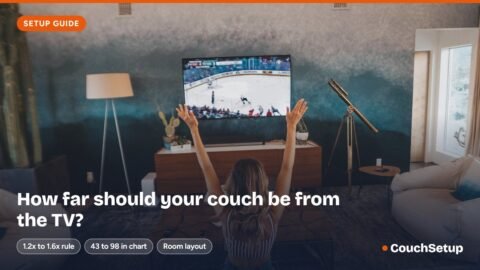
Size is the decision people regret most, and nearly always because they went too small. The simple rule: sit about 1.2 to 1.6 times the screen size away. So from 8 feet (96 inches), anything from about 60 to 80 inches feels right. Store floors make every TV look smaller than it will at home, so trust a tape measure over your eyes.
| Eyes to screen | TV size |
|---|---|
| 5 to 6 ft | 43 to 55 in |
| 6 to 7 ft | 50 to 65 in |
| 7 to 8 ft | 55 to 75 in |
| 8 to 9 ft | 65 to 85 in |
| 10 ft and up | 75 in, 85 in or a projector |
Two quick checks before you commit. First, width: a TV is about 0.87 times its screen size wide, so a 75-inch is about 65 inches across. Tape the outline on the wall to see it for real. Second, if the TV goes on a stand rather than the wall, it sits about a foot further into the room, so lean one size smaller.
Want an exact number? Type your distance into the calculator.
TVs worth a look around 43″–48″
- Amazon Fire TV Omni QLED 43″Budget bedroom pickCheck price
- LG C6 OLED (42″ / 48″)Best small OLEDCheck price
- Hisense QD7Low-cost QLEDCheck price
TVs worth a look around 50″–55″
- Hisense U6SF Pro 55″Best value Mini LEDCheck price
- LG C6 OLEDBest for dark roomsCheck price
- Hisense QD7 55″Budget pickCheck price
TVs worth a look around 65″
- Hisense U6SF Pro 65″Best valueCheck price
- LG C6 OLED 65″Best for moviesCheck price
- TCL QM7LBest for bright roomsCheck price
TVs worth a look around 75″
- TCL QM7LBright, big Mini LEDCheck price
- Hisense U7SGBest for gamingCheck price
TVs worth a look at 85″ and up
- Hisense U7SGPick the big size on the product pageCheck price
- TCL QM7LPick the big size on the product pageCheck price
As an Amazon Associate, CouchSetup earns from qualifying purchases. Prices change often, so check the current price.
| TV size | Immersive (40°) | Comfortable (30°) | Closest for full 4K detail |
|---|---|---|---|
| 32″ | 3 ft 2 in (1.0 m) | 4 ft 4 in (1.3 m) | 2 ft 1 in (0.6 m) |
| 43″ | 4 ft 3 in (1.3 m) | 5 ft 10 in (1.8 m) | 2 ft 10 in (0.9 m) |
| 50″ | 5 ft 0 in (1.5 m) | 6 ft 9 in (2.1 m) | 3 ft 3 in (1.0 m) |
| 55″ | 5 ft 6 in (1.7 m) | 7 ft 5 in (2.3 m) | 3 ft 7 in (1.1 m) |
| 65″ | 6 ft 6 in (2.0 m) | 8 ft 10 in (2.7 m) | 4 ft 3 in (1.3 m) |
| 75″ | 7 ft 6 in (2.3 m) | 10 ft 2 in (3.1 m) | 4 ft 11 in (1.5 m) |
| 77″ | 7 ft 8 in (2.3 m) | 10 ft 5 in (3.2 m) | 5 ft 0 in (1.5 m) |
| 83″ | 8 ft 3 in (2.5 m) | 11 ft 3 in (3.4 m) | 5 ft 5 in (1.6 m) |
| 85″ | 8 ft 6 in (2.6 m) | 11 ft 6 in (3.5 m) | 5 ft 6 in (1.7 m) |
| 98″ | 9 ft 9 in (3.0 m) | 13 ft 3 in (4.0 m) | 6 ft 4 in (1.9 m) |
| 100″ | 10 ft 0 in (3.0 m) | 13 ft 7 in (4.1 m) | 6 ft 6 in (2.0 m) |
| 115″ | 11 ft 6 in (3.5 m) | 15 ft 7 in (4.8 m) | 7 ft 6 in (2.3 m) |


Step 2: Check how bright your room is
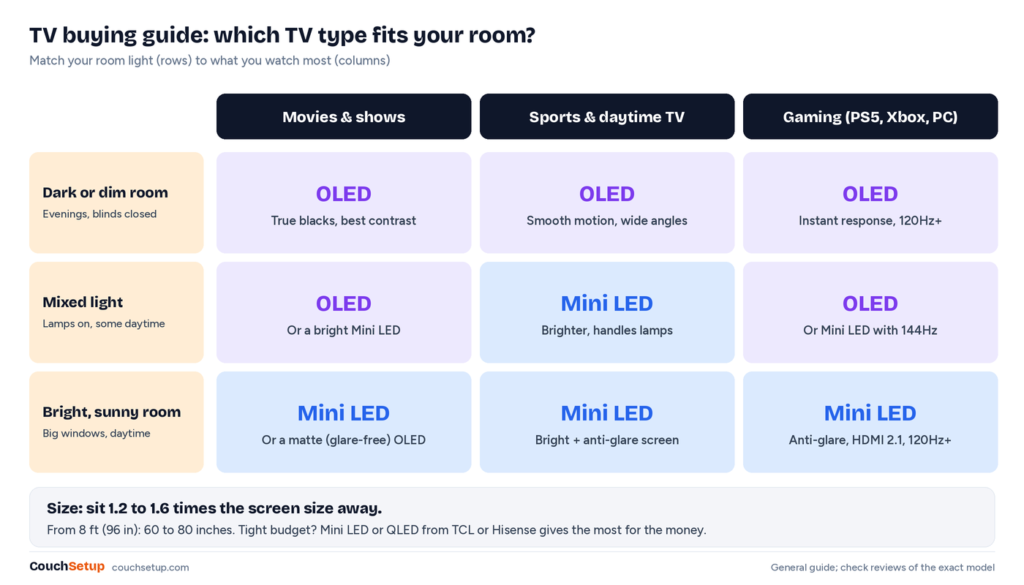
Most buying guides skip this step, yet it matters more than almost any spec. A TV that looks stunning in a dark showroom can look washed out next to sunny windows, so think about when you watch and how much daylight hits the screen.
- Dark or dim room (evenings, blinds closed, basement): almost any good TV looks great. OLED is the best match because its blacks stay perfectly black.
- Mixed light (lamps on, some daytime viewing): most mid-range TVs cope. Look for decent brightness and a screen that handles reflections.
- Bright room (big windows, daytime sports): you need a bright TV and a good anti-glare screen. Mini LED models are usually the best value here.
Brightness is measured in nits. As a rough guide for a sunny room, look for a TV that independent reviewers measure at well over 1,000 nits in HDR and that has an anti-reflective or matte screen. Ignore the brightness numbers in ads. Look for measured figures from reviewers instead.
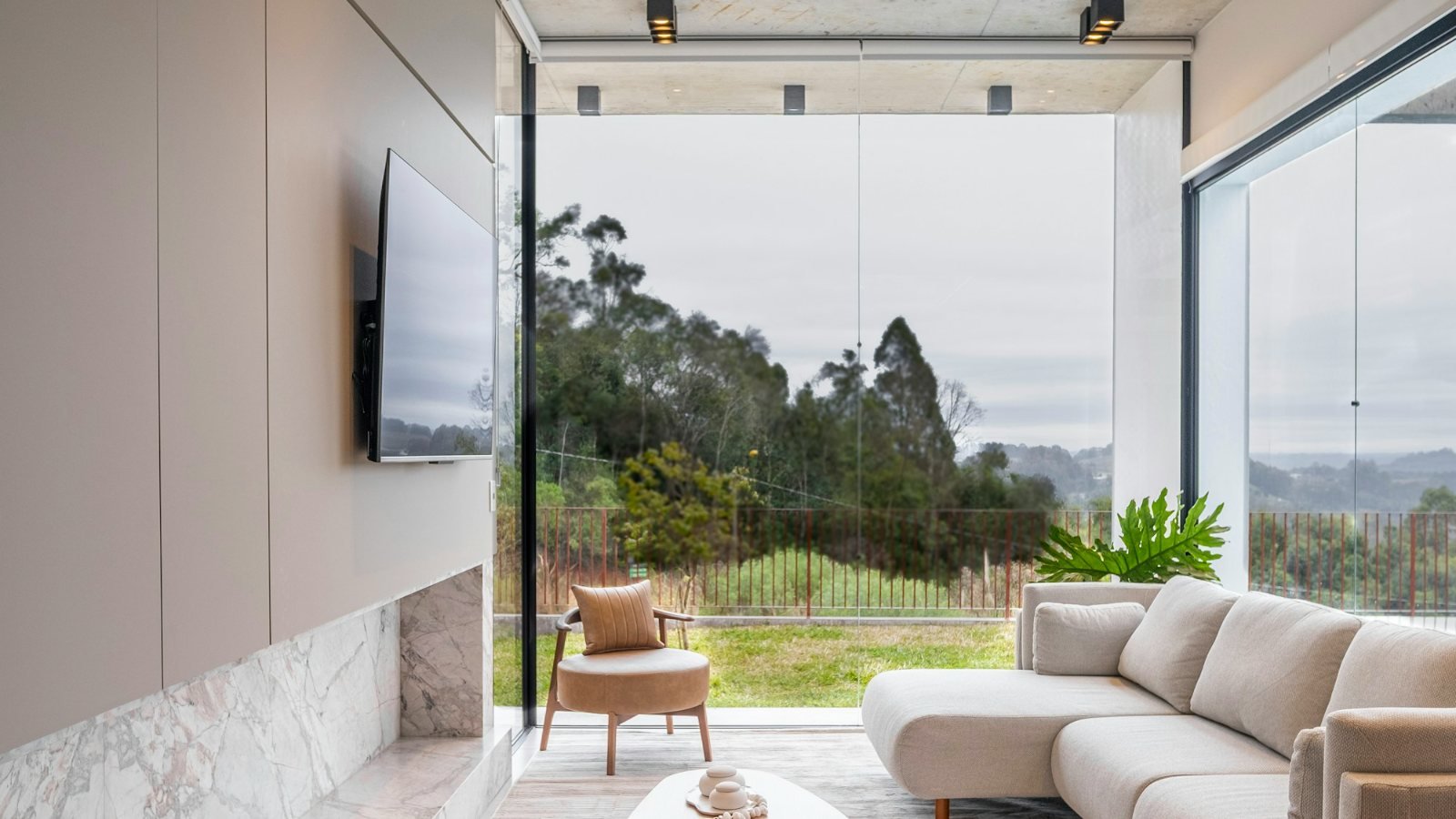
Glare is about reflections as much as brightness. Glossy OLED screens can mirror a window behind your sofa, while newer matte OLEDs and anti-glare Mini LEDs handle it far better. If you can, place the TV on a wall that doesn’t face a window, and watch at night with a soft TV backlight to make dark scenes look deeper without eye strain.


Step 3: Pick the panel type: OLED, Mini LED, QLED or LED
TV makers love new names, but there are really only two families. OLED screens light every pixel on its own. Everything else (LED, QLED, Mini LED) is an LCD panel lit by a backlight, and the differences come down to how good that backlight is.
| Type | How it works | Best for | Watch out for |
|---|---|---|---|
| OLED | Each pixel makes its own light | Dark rooms, movies, wide sofas | Glossy screens reflect; less peak brightness |
| Mini LED | Thousands of tiny LEDs behind an LCD | Bright rooms, sports, big screens | Some blooming around bright objects |
| QLED | LCD with a quantum-dot color layer | Budget and mid-range buyers | Fewer dimming zones, greyer blacks |
| LED (basic LCD) | Simple backlight behind an LCD | Kitchens, guest rooms, tight budgets | Weak contrast and HDR |
QLED and Mini LED overlap a lot: many Mini LED TVs also use quantum dots. The bit that matters is the backlight. More dimming zones means deeper blacks and less glow around subtitles. Premium models from Sony and others now use RGB Mini LED backlights, with red, green and blue LEDs instead of white or blue ones, which makes colors even brighter.
Viewing angle is worth a thought if your sofa is wide or you have seats off to the side. OLED looks the same from almost anywhere in the room. Many LCD TVs, especially the high-contrast VA panels, lose color and contrast as you move off-center.
So which should you choose? If you mostly watch in the evening, OLED gives the best picture for the money. If the room is bright or you want a 75-inch-plus screen without a premium price, Mini LED is the smarter buy. Basic LED is fine for a second TV, but it’s hard to recommend for a main living room.


Step 4: Resolution and HDR: what actually matters
4K is the standard; 8K isn’t worth it yet
Nearly every TV worth buying is now 4K. From a normal seating distance, 4K is sharp enough that you won’t see pixels, and almost all streaming and gaming is made for it. 8K TVs cost much more, there’s very little 8K content, and from your sofa the extra detail is hard to see. Spend that money on a better panel or a bigger 4K screen instead.
HDR formats
HDR (high dynamic range) is what makes highlights, sunsets and explosions pop. Every 4K TV says it supports HDR, but a dim TV can’t really show it, which is why brightness and dimming matter more than the logo on the box. The formats to know:
- HDR10: the basic format every HDR TV supports.
- Dolby Vision: used by Netflix, Disney+, Apple TV and many discs. LG, Sony, TCL and Hisense support it. Samsung TVs don’t.
- HDR10+: Samsung’s choice, also used by Prime Video. Samsung’s 2026 TVs add a newer version called HDR10+ Advanced.
Having both Dolby Vision and HDR10+ is a nice bonus, and TCL and Hisense often include both. But a great picture with one format beats a mediocre one with both.
Step 5: Gaming and sports features
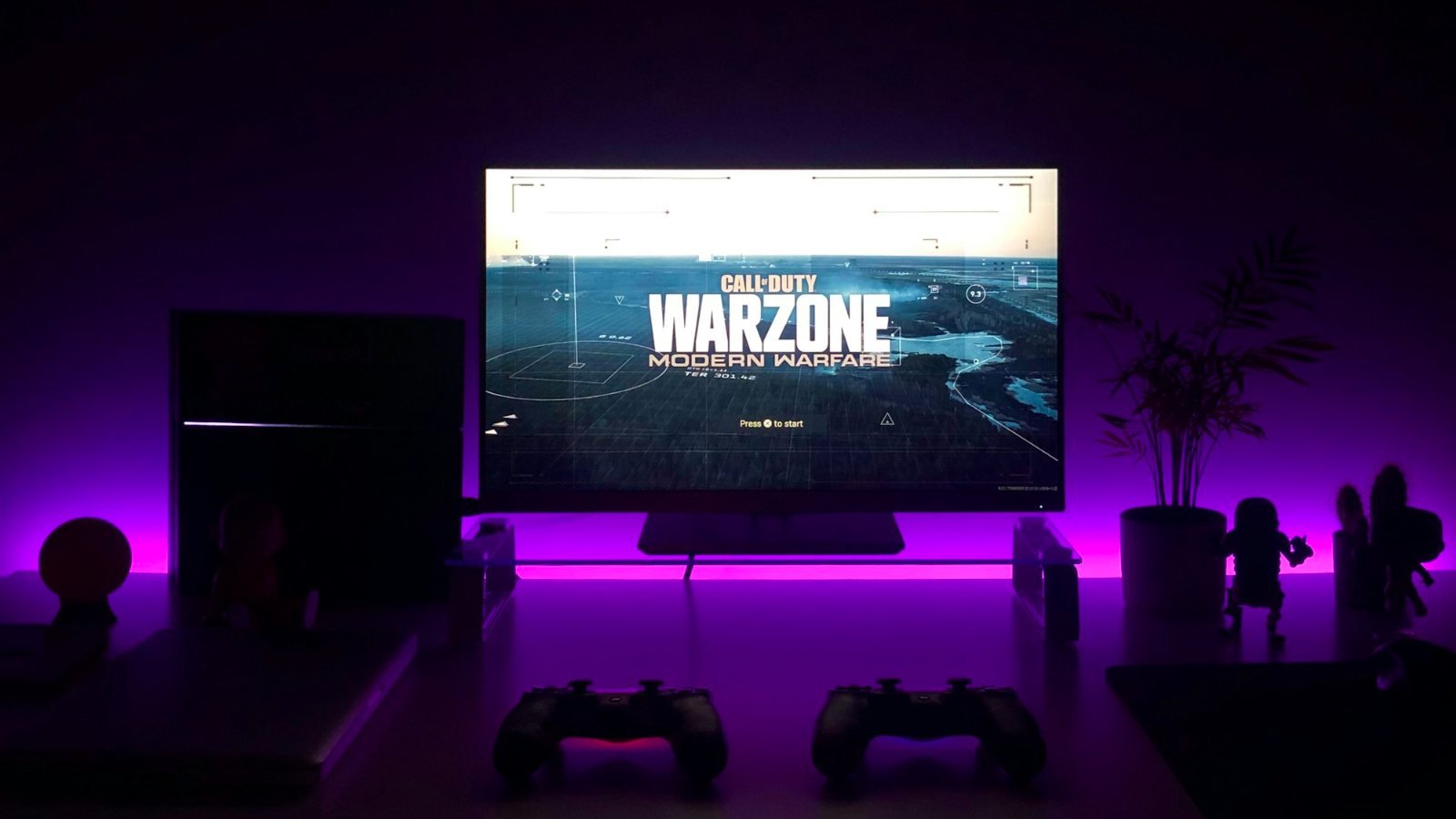
If you play on a PS5, Xbox Series X or a gaming PC, a few features make a real difference. They also help with sports, because faster panels keep a moving ball sharp.
| Feature | What it does | Who needs it |
|---|---|---|
| 120Hz or higher refresh rate | Smoother motion and up to 120 fps in games | Gamers and sports fans |
| HDMI 2.1 ports | Carry 4K at 120Hz and the gaming features below | PS5, Xbox Series X and PC players |
| VRR (variable refresh rate) | Stops tearing and stutter when frame rates dip | Gamers |
| ALLM (auto low latency mode) | Switches to game mode automatically | Anyone with a console |
| Low input lag (under about 10 ms) | Controls feel instant | Competitive gamers |
Read the refresh rate carefully. Some boxes print a “motion rate” or “effective refresh rate” that’s double the real panel speed. You want a native 120Hz (or 144Hz) panel. Also count the full-speed HDMI 2.1 ports. Some TVs have only two, and one of them often doubles as the eARC port for your soundbar, which matters if you own two consoles.

Step 6: The smart TV system
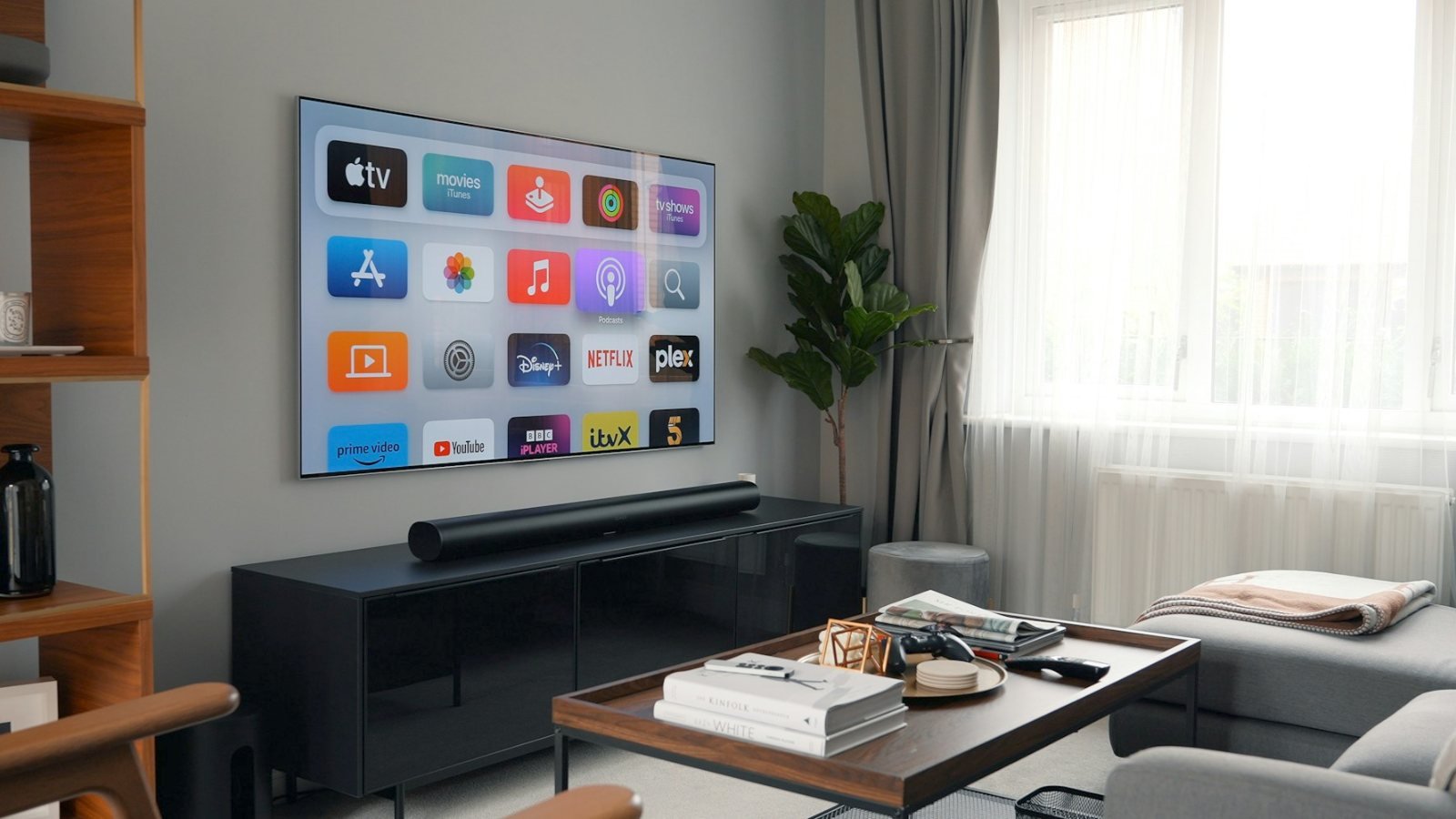
Every TV is a smart TV now, and you’ll use its home screen every day, so it matters more than people think. All the big systems have Netflix, YouTube, Prime Video and Disney+. The differences are speed, ads and how cluttered the home screen feels.
| Brand | Smart system |
|---|---|
| Samsung | Tizen |
| LG | webOS |
| Sony | Google TV |
| TCL | Google TV on most models |
| Hisense | Google TV, Fire TV or VIDAA, depending on the model |
| Amazon Omni | Fire TV |
Don’t let the system decide the TV for you. If you don’t like a TV’s menus, a cheap streaming stick plugs into HDMI and takes over in minutes. Our Fire TV Stick vs Roku comparison helps you choose one. A stick also keeps an older TV useful for years.


Step 7: Plan the sound
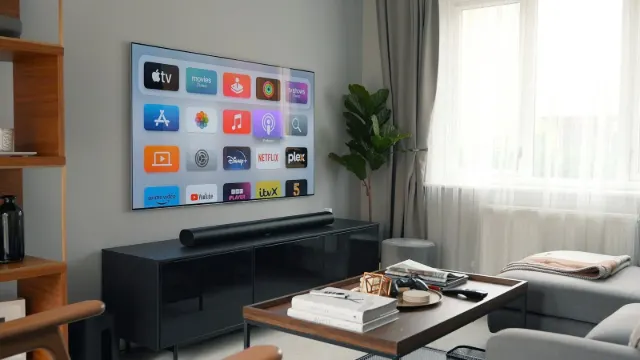
Here’s the part almost every TV buying guide forgets: thin TVs have small speakers, and many people end up turning on subtitles just to follow the dialogue. Budget for a soundbar from the start, even a compact one. It will make a bigger difference to movie night than most picture upgrades.
Check that the TV has an HDMI eARC (or ARC) port. That lets one cable carry sound to the soundbar and lets your TV remote control the volume. Our guide to HDMI ARC and eARC explains the difference in plain English, and if voices are already a problem, start with these dialogue fixes.



Step 8: Wall mount or stand
Decide where the TV goes before you buy, because it can change the size and even the model. A wall mount saves floor space and puts the screen further back, so you can go a bit bigger. A stand is easier, renter-friendly and keeps the soundbar in the same place. Either way, the center of the screen should be close to seated eye level, around 42 inches from the floor in most living rooms.
If you mount, check the TV’s VESA pattern and weight against the mount. If you use a stand, check the TV’s feet. Many big TVs have feet near the outer edges, so a 65-inch TV can need a stand nearly as wide as the screen.
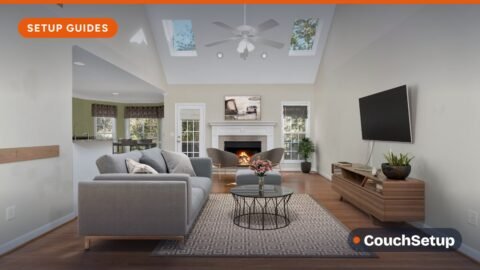


What TV should I buy for my room?
Small room or bedroom
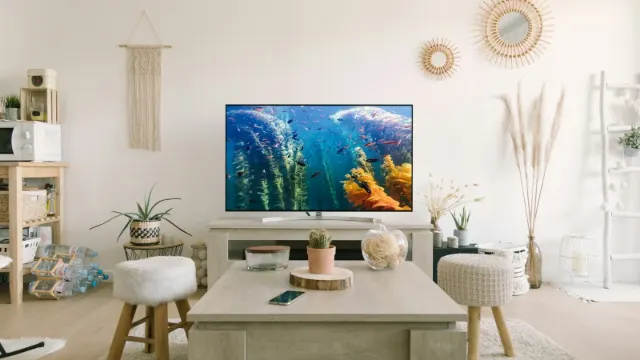
Stick to 43 to 65 inches and favor a wide viewing angle, because bedrooms often have you watching from an angle or lying down. OLED is lovely for late-night viewing in a dark bedroom. Our bedroom TV setup guide covers height, sound and sleep-friendly settings.
Average living room
A 65-inch 4K TV with 120Hz suits most living rooms, and 75 inches is the upgrade if your sofa is 9 feet or more away. Mid-range Mini LED gives the most picture for the money; OLED is the step up if you watch mostly in the evening.
Bright room with big windows
Go Mini LED with a strong anti-glare coating, or one of the newer matte OLEDs if your budget stretches. Avoid basic LED TVs here; they look flat in daylight.
Movie room or basement
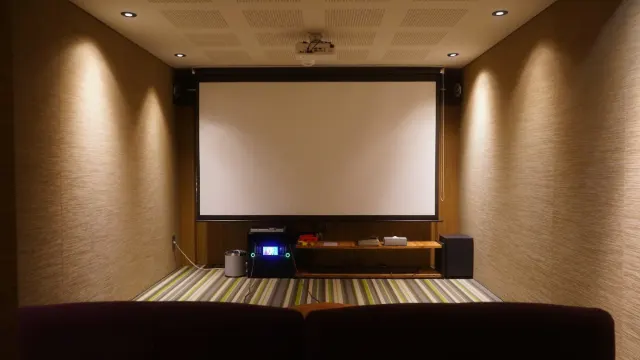
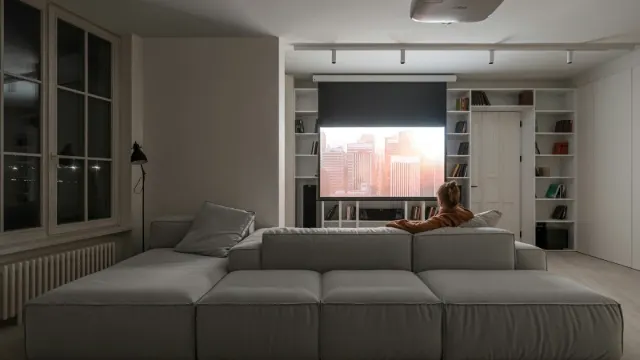
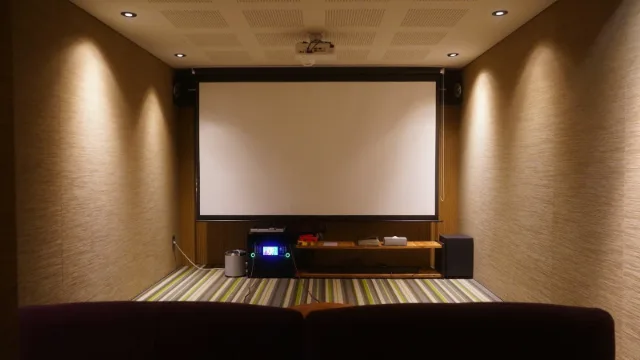
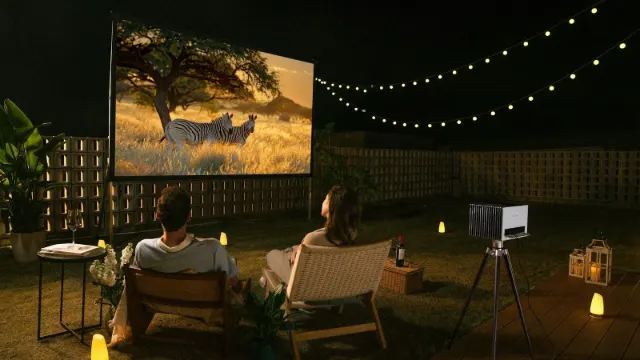
This is OLED territory. Lights low, blacks perfectly black, and you can sit closer to a bigger screen. Past about 85 inches, a projector starts to make sense. See projector vs TV.

Our top TV picks for 2026
These come from our full buying guides and reviews, built from independent lab measurements and expert reviews. Each one fits a different room and budget. We show price tiers instead of exact prices, because TV prices change almost daily, especially in November.
LG C6 OLED
Best for Dark or mixed-light living rooms, movies and gaming
- OLED: perfect blacks and no blooming
- Up to 165Hz with four HDMI 2.1 ports
- Dolby Vision and very low input lag
- VRR, ALLM and HGiG HDR gaming
Prices change often, so check today’s price on Amazon.
The safest choice for most rooms if you watch mainly in the evening. Read our full LG C6 review.
TCL QM7L SQD Mini LED
Best for Bright living rooms and big screens on a mid-range budget
- 2,270 nits HDR peak in Tom’s Guide’s test
- Up to 2,100+ local dimming zones
- Anti-reflective HVA panel
- 4K 144Hz on two HDMI 2.1 ports
- 55 to 98 inches
Prices change often, so check today’s price on Amazon.
Huge brightness for the money and sizes up to 98 inches. See our TCL QM7L review.
LG B6 OLED
Best for Bedrooms, dark rooms and OLED on a tighter budget
- Same perfect blacks and wide viewing angles
- Four HDMI 2.1 ports, 4K 120Hz with VRR
- 695 nits HDR peak in Tom’s Guide’s test
- Sizes from 48 to 83 inches
Prices change often, so check today’s price on Amazon.
Hisense U7SG Mini LED
Best for Large, bright living rooms, sports and gaming
- About 2,867 nits HDR peak in Tom’s Guide’s test
- 165Hz native refresh rate
- Four HDMI 2.1 ports
- Sizes from 55 to 100 inches
Prices change often, so check today’s price on Amazon.
Read our full Hisense U7SG review →
Hisense U6SF Pro Mini LED
Best for Bright rooms on a tight budget, bedrooms and first apartments
- 1,265 nits HDR peak in Tom’s Guide’s test
- Anti-reflection, glare-free screen coating
- Native 144Hz panel
- Fire TV with Alexa+ built in
- 55 to 100 inches
Prices change often, so check today’s price on Amazon.
Mini LED and 144Hz at a budget price. Full details in our Hisense U6 review.
When is the best time to buy a TV?
TV prices follow a fairly predictable yearly cycle, so timing can save you a lot.
| When | Why prices drop |
|---|---|
| Black Friday and Cyber Monday (November) | The biggest sale of the year; deals often start in late October |
| Before the Super Bowl (January to early February) | Big-screen sales, and current models are nearly a year old |
| Spring (March to May) | New models arrive, so last year’s sets get discounted |
| Prime Day (summer) | Strong deals on Amazon Fire TVs and mid-range sets |
One Black Friday warning: some doorbuster TVs are special models made for the sale, with model numbers you won’t find in reviews. They can have fewer HDMI 2.1 ports, a slower panel or a dimmer backlight. Check the exact model number against reviews before you buy, and be wary of a big-brand TV that seems far too cheap.
Buying last year’s model is often the best deal of all. Year-to-year changes are usually small, and a discounted older Mini LED or OLED can beat a new budget TV at the same price.
Specs and extras you can ignore
- Contrast ratio claims like “dynamic contrast 5,000,000:1”. They aren’t comparable between brands.
- “Motion rate” numbers. Look for the native refresh rate (60, 120 or 144Hz) instead.
- Speaker wattage. Bigger numbers rarely mean clearer dialogue. A soundbar fixes that.
- 8K. Not worth the money for most people yet.
- Store demo mode. Showroom TVs are set to an overly bright, oversaturated picture. At home, switch to Movie or Filmmaker mode.
TV buying guide checklist
Run through this short TV buying guide checklist before you hit buy:
- I measured my seating distance and the wall width.
- I know how bright my room is when I usually watch.
- I picked the panel type that suits that light (OLED or Mini LED).
- It’s 4K with Dolby Vision or HDR10+.
- If I game: native 120Hz or more, HDMI 2.1, VRR and ALLM.
- It has HDMI eARC for a soundbar, and I’ve budgeted for one.
- I know where it goes: wall mount (checked VESA) or a stand wide enough for the feet.
- I checked the exact model number against reviews, not just the series name.
How we picked
We built this guide from our own room-by-room buying guides and reviews, which pull together manufacturer specs, independent lab measurements (brightness, input lag, dimming) and expert reviews from sites such as Tom’s Guide and TechRadar. The size advice uses the THX and SMPTE viewing-angle guidance, and the timing advice comes from retail price history. Every source is listed at the end.
FAQ
What should I look for when buying a TV?
Start with the right size for your seating distance, then match the TV type to your room light: OLED for dim rooms, bright Mini LED for sunny ones. After that, check for 4K, Dolby Vision or HDR10+, 120Hz and HDMI 2.1 if you game, and HDMI eARC for a soundbar.
Which TV should I buy, OLED or QLED?
OLED gives better blacks, contrast and viewing angles, which is ideal for dark rooms and movies. QLED and Mini LED TVs get brighter and cost less at big sizes, so they suit bright rooms and tighter budgets.
Is a 4K TV enough, or do I need 8K?
4K is enough for almost everyone. There’s very little 8K content, and from a normal seating distance the difference is hard to see.
Do I need a 120Hz TV?
Only if you play on a PS5, Xbox Series X or gaming PC, or watch a lot of fast sports. For movies and regular TV, 60Hz is fine.
How many nits do I need for a bright room?
Look for a TV that reviewers measure at well over 1,000 nits in HDR, plus an anti-glare screen. In a dark room, brightness matters much less.
What is the best TV brand?
There’s no single best brand. LG and Samsung lead in OLED, Sony is strong on picture processing, and TCL and Hisense offer the brightest Mini LED TVs for the money. Pick the model, not the logo.
When is the best time to buy a TV?
Black Friday in November usually has the biggest discounts, followed by Super Bowl sales in early February and spring, when last year’s models are cleared out.
Do I need a soundbar with a new TV?
Not strictly, but most thin TVs have weak speakers and muddy dialogue. Even a compact soundbar is a big upgrade.
Related guides
- Soundbar buying guide
- What size TV for my room?
- OLED vs Mini LED
- Best TV for a bright room
- Best TVs for PS5 and Xbox
- Best TVs for wide viewing angles
- How to clean a TV screen safely
- OLED vs QLED vs LED explained
Sources: Wikipedia: Optimum HDTV viewing distance · HDMI Licensing: variable refresh rate (VRR) · Dolby: Dolby Vision · BGR: why Samsung TVs don’t support Dolby Vision · What Hi-Fi: Dolby Vision 2 and HDR10+ Advanced in 2026 · NerdWallet: best time to buy a TV · Wikipedia: HDMI 2.1 features